Mortal Shell 2 Equipment Database and Gear Guide
Use the Mortal Shell 2 equipment database to separate Shells, weapons, sidearms, Tarstones, and Seals from beta entries and unverified fields.
The Mortal Shell 2 equipment database is best used as a reference map for Shells, weapons, sidearms, Tarstones, and Seals. The database material separates named records, ability text, locations, and completion fields, while the official site confirms eight playable Shells and a wider upgrade system. Complete retail counts, final stats, and every acquisition route are To be confirmed.
What the database is meant to cover
The database page groups the game into a Shell roster, equipment database, interactive map, quests, bosses, and reference tools. That structure matches the questions players usually have when a new item appears. It also makes clear that a database field can exist even when its route or final value has not been independently confirmed.
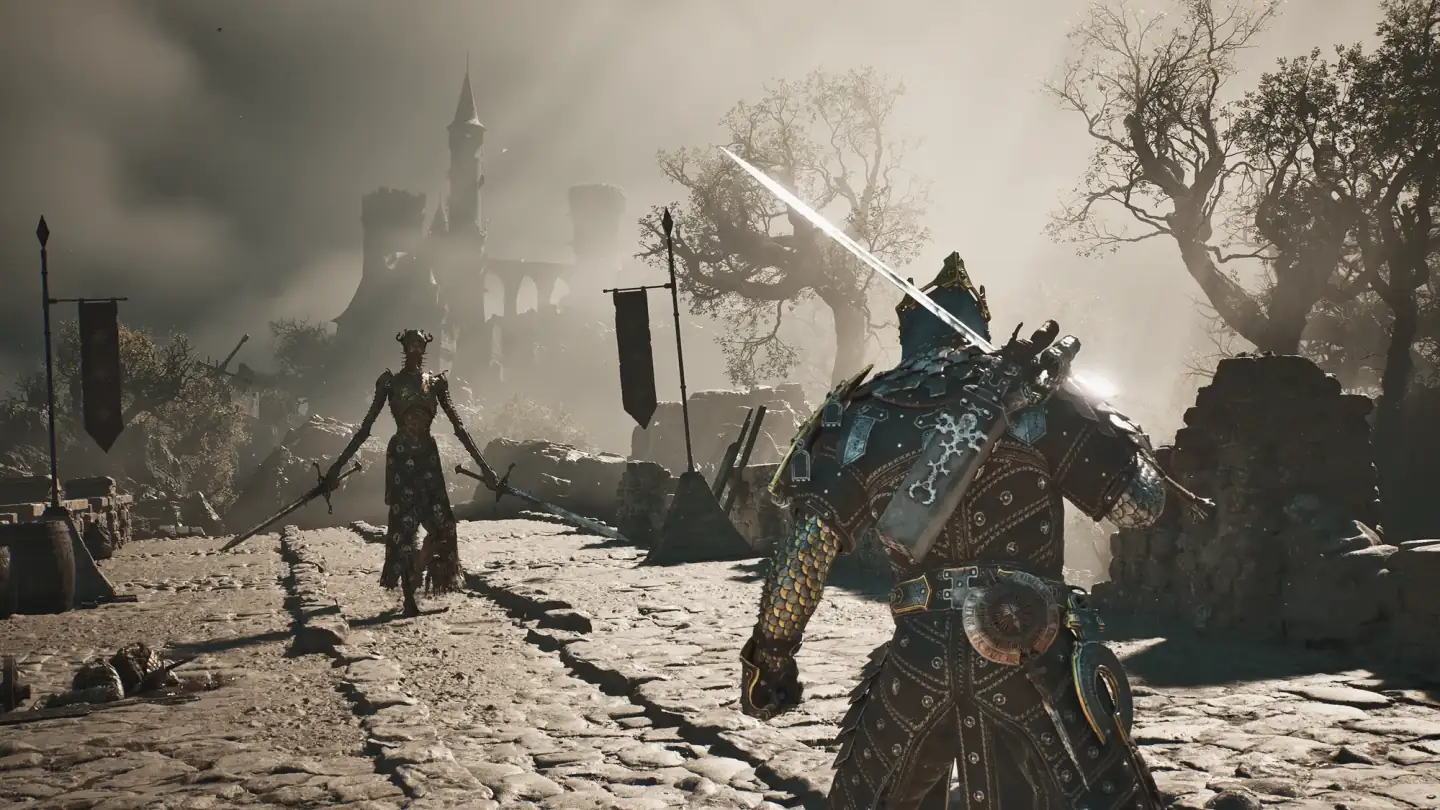
The official Steam description supports the broad equipment categories. It describes possessing warrior Shells, using their innate abilities, exploring optional areas, and upgrading weapons and sidearms. It does not publish a complete table of every item, Seal, Tarstone, or achievement requirement.
Shell records and roster limits
The official site states that Mortal Shell II has eight playable Shells. The Open Beta build entry lists eight non-Harros Shell names and includes Harros as a separate prologue record, producing nine named records in that client context. The database should preserve that distinction instead of showing nine regular choices as a confirmed final roster.
The Shell records include displayed titles and ability text for Tiel, Eredrim, Proxima, Lazlo, Sariel, Smert, Genessa, and Gragu. Those descriptions are tied to version-labelled entries. Final ability values, balance, and retail route details are To be confirmed.
Weapons, sidearms, and upgrade fields
The equipment material treats weapons and sidearms as separate records. An unofficial database entry for Forgotten Crossbow includes description, ability Tarstones, compatible Tarstones, location, achievement, and completion sections. A separate Tarforge guide says melee weapons, sidearms, and Tarstones use different upgrade functions.
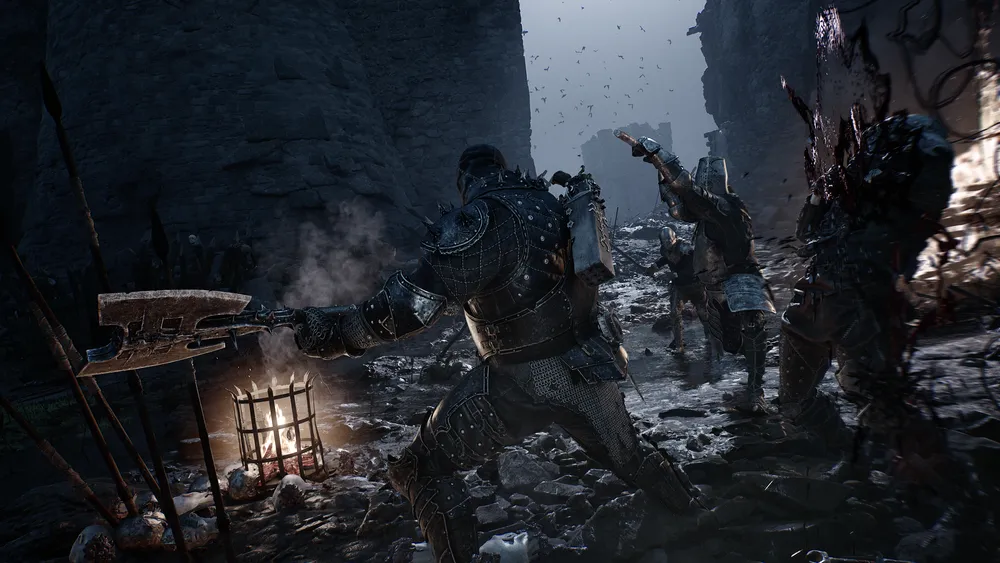
This layout is useful when comparing a weapon’s role without inventing performance numbers. Record the displayed moveset, ability, location note, and upgrade requirement separately. A page should not turn a community opinion into a universal best weapon claim, and missing damage, scaling, or drop data should remain To be confirmed.
Tarstones and Seals
The current game version describes Tarstones as equipment that can be slotted into weapons or sidearms and improved through the Tarforge. One version shows a slotted Tarstone gains experience from enemy kills, while another describes Tarcore as part of the later upgrade step. The exact complete stone list and final effects need version-aware checking.
Seals are named in the database and in build examples, yet the pages do not establish a complete official Seal roster or a stable effect table. Keep Seal names, descriptions, and compatible equipment tied to the entry where they appear. Any missing location, bonus, cost, or build recommendation is To be confirmed.
How to use the database during a run
Start with the keyword you actually need. Use a Shell record for title and ability questions, a weapon entry for moveset and upgrade fields, a sidearm record for ranged options, and a map entry for route notes. Check whether the entry is based on an official page, an Open Beta client snapshot, a community route, or an unofficial database.
Version labels matter when the game is still close to launch. Build 24459107 is confirmation of what the Open Beta client displayed, while an official store page describes the product at a broader level. The database can help you plan what to verify in game, but it cannot by itself prove that every field survived into retail.
What the database cannot answer yet
The current game version does not support a single confirmed answer for the complete equipment count, final tier ranking, full Seal effects, every weapon route, or every achievement condition. Some pages description precise values, yet the available entry is a community database or beta guide. Repeat those values only when a second reliable entry supports them.
The safest database standard is simple. Keep the item name, displayed description, confirmation type, version, and route confidence together. Treat unsupported stats, universal recommendations, and retail changes as To be confirmed until the game build or an official page verifies them.
What equipment categories are currently listed?
The database tool descriptions eight primary weapons, eight sidearms, and four Seals. These counts belong to a third-party equipment database and should be read as its current scope, not as an official final inventory total. The official store page confirms weapon upgrades, melee and ranged choices, and eight lost-warrior Shells, but it does not publish the equipment table.
Use the Equipment Database when you need to search a name, ability, region, or landmark. Check the version label on each entry before trusting a route or stat. Some fields are backed by Open Beta build 24459107, while other entries are community route notes, so retail status is To be confirmed unless the current client agrees.
How should you read one equipment entry?
Start with the item name and category, then check its description, compatible Tarstones, ability fields, location notes, and achievement relationship separately. A database row can be useful for finding a lead while still lacking a verified cost or final value. Do not merge a weapon route with a Shell route simply because both appear in the same search result.
For a reliable update, note the displayed text, platform, build, and pickup context. Compare it with a second page when a field affects a player’s decision. This keeps the database useful as a reference without presenting every community entry as official full-game data.
How do weapons, sidearms, Seals, and Tarstones differ?
Weapons and sidearms are equipment used during combat, while Seals change a defensive action and Tarstones modify attacks, support effects, or abilities. The database groups them together for search, yet their fields answer different player questions. A weapon route should not be used to infer a Seal cost, and a Tarstone effect should not be treated as a weapon stat.
The official descriptions confirm a broad upgrade system and Shell possession. The community database adds practical names, categories, and route leads, with some fields tied to Open Beta build 24459107. When two entries disagree, keep the item category and version visible instead of choosing the more specific number.
What makes a database entry trustworthy?
The strongest entry contains a displayed name, a description, an ability or compatibility field, a location, and a version. A route page can add the path, while an official platform page can confirm that the wider weapon or Shell system exists. Neither one should be stretched to prove a missing cost or retail balance value.
For a future update, compare the database row with the client and record what changed. Mark a field as To be confirmed when it appears only in a thumbnail, unlabelled gameplay, or community ranking. This keeps the search page useful for discovery while protecting players from false completion claims.
Related Articles
combat
Mortal Shell 2 Enemies and Encounter Combat Tips
Review Mortal Shell 2 enemies shown in gameplay and learn how posture, Harden, shields, sidearms, and careful spacing shape encounters.
combat
Mortal Shell 2 Gloom Farming: Uses, Recovery and Upgrades
Learn what Mortal Shell 2 Gloom is used for, how death recovery works, and what the official Week 1 update changed without an invented farming table.
combat
Mortal Shell 2 Harden Mechanic and Combat Guide
Learn how the Mortal Shell 2 Harden mechanic protects one exchange, creates Break Damage opportunities, and fits beside parry, dodge, and Resolve.
Was this helpful?
Thanks for the feedback!